
Admin Area
Once you’ve installed and opened Scan And Ship, head into the admin area to set up your pickers, queues, and orders.
Open the admin area
Section titled “Open the admin area”- Open the nav menu in the top-left corner of the screen.
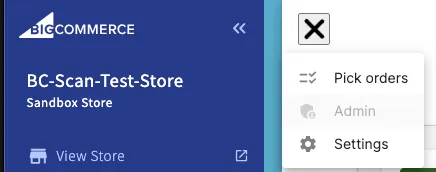
Once you’ve installed and opened Scan And Ship, head into the admin area to set up your pickers, queues, and orders.