Adding a Tag
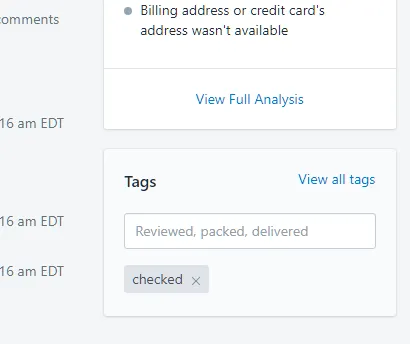
Add a “checked” tag to orders automatically once Scan And Ship has processed them.
Turn on the setting
Section titled “Turn on the setting”- Tick the tagging setting on the Scan And Ship settings page.

See the tag on an order
Section titled “See the tag on an order”Once an order has been processed in Scan And Ship, a tag is added to the order.