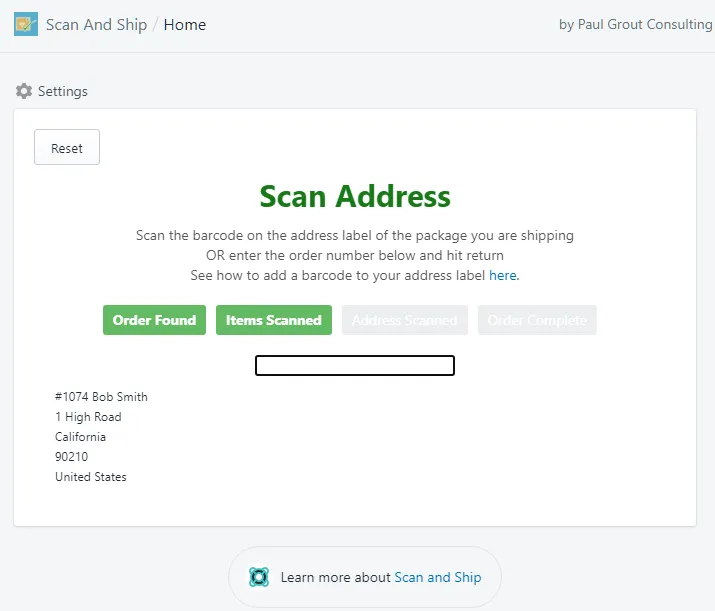
Checking Tracking
If you print shipping labels before checking orders with Scan And Ship, use this to confirm the label’s tracking number matches the order.
Configure the settings
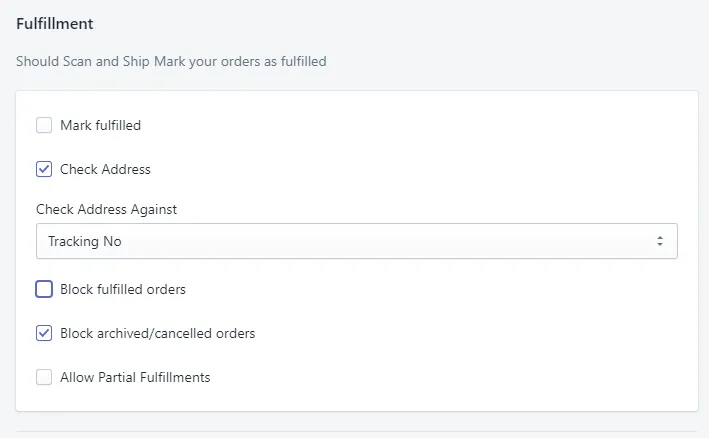
Section titled “Configure the settings”- Untick Mark Fulfilled on the Scan And Ship settings page.
- Tick Check Address, and set Check Address Against to Tracking Number.
Scan the tracking number
Section titled “Scan the tracking number”- Once the items are scanned correctly, scan the tracking number barcode on the shipping label. Scan And Ship checks it against the order to make sure the correct shipping label is being used.