
Checking Items
Scan each item in an order against its barcode as you pack, right from the Shopify admin.
Start a check
Section titled “Start a check”- Open the Scan And Ship app in the Shopify admin.
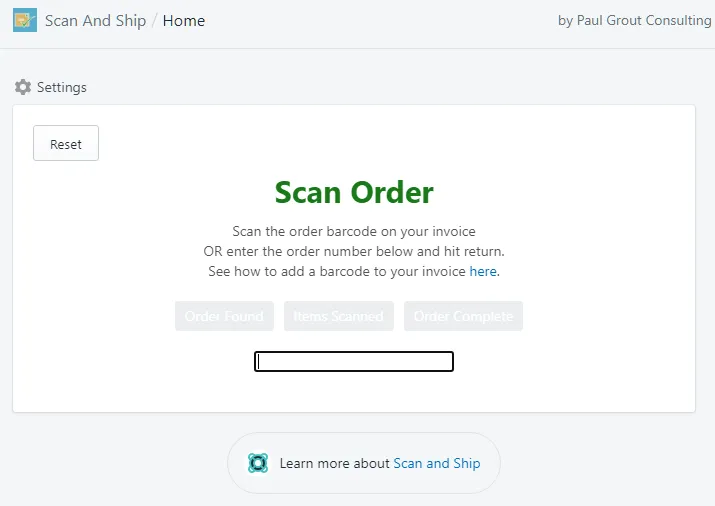
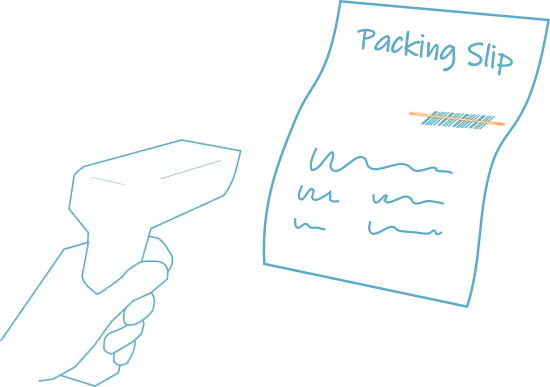
- Scan the barcode on the invoice or packing slip. This locates the details of your order.
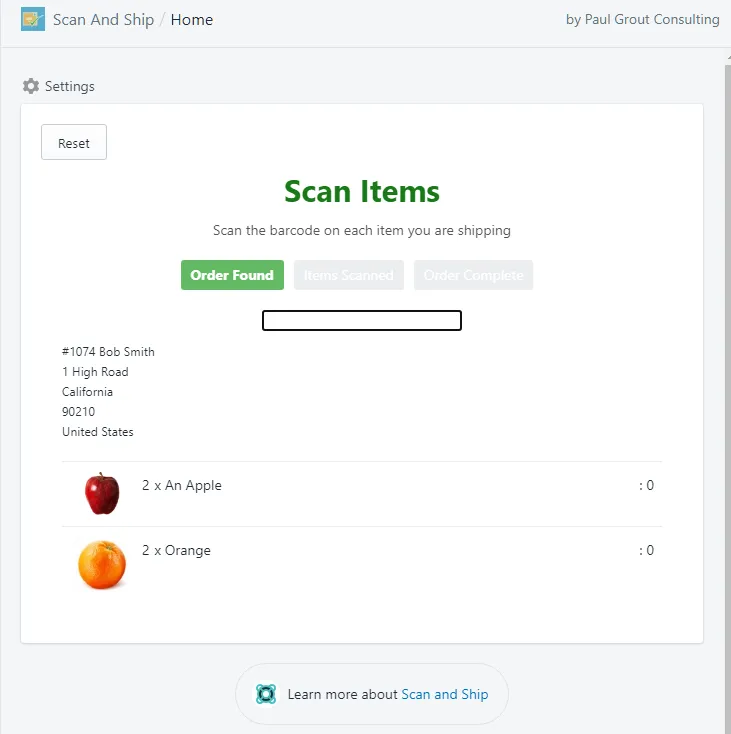
Scan the items
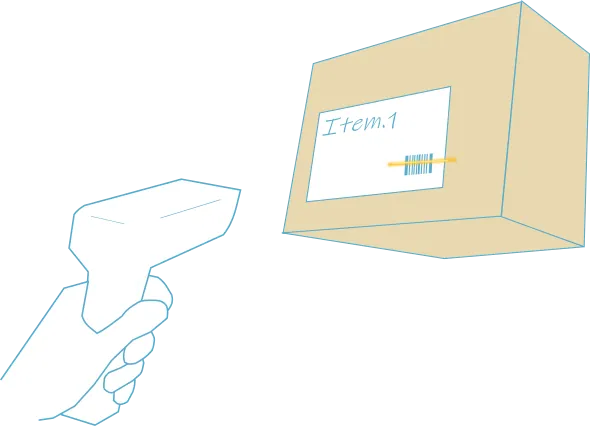
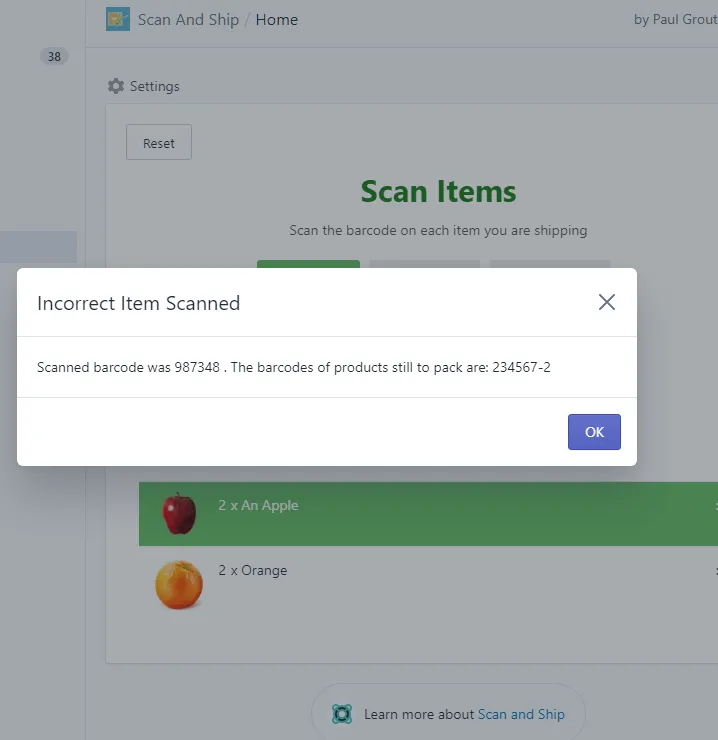
Section titled “Scan the items”- Scan the barcode on each item you’re shipping. This checks that the correct item and quantity of each product is shipped to the customer — Scan And Ship won’t let you complete the package if items are incorrect or missing.
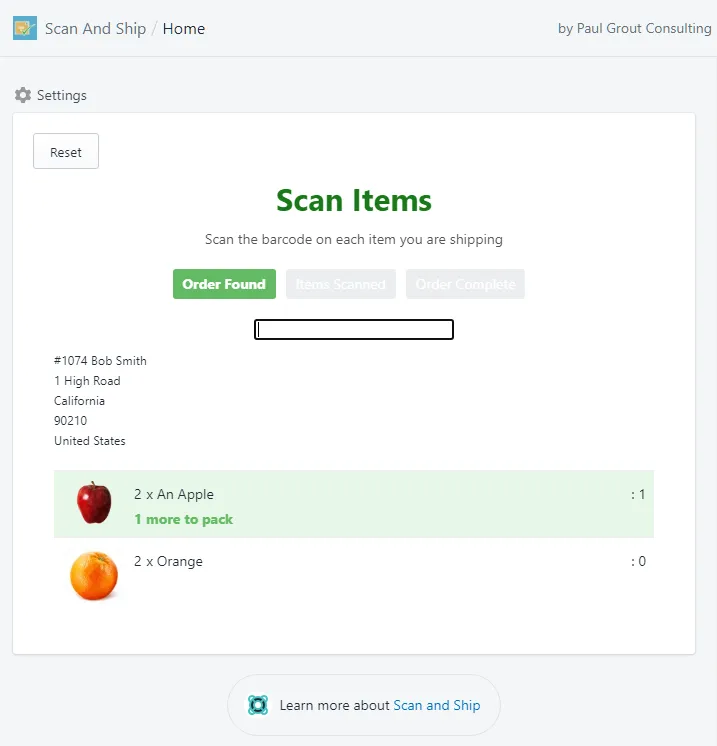
When you scan an item for the first time, its row is highlighted, and the screen shows how many items are left to scan and how many have been scanned.
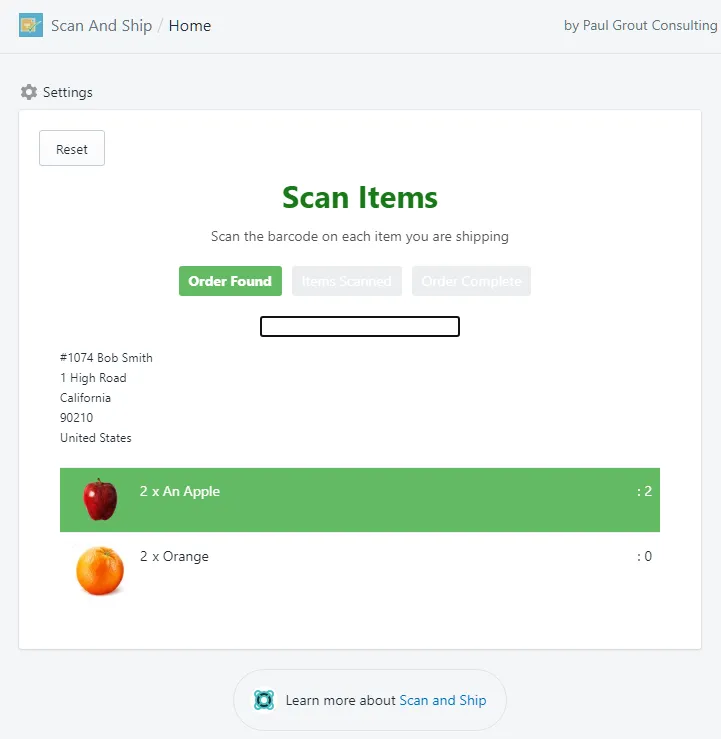
Once the full quantity of an item is scanned, its row turns dark green.
Finish the order
Section titled “Finish the order”- When every item is scanned, Scan And Ship confirms the order is complete and resets so you can start the next one.