Android App
Pick and pack BigCommerce orders from your Android device.
Install the app
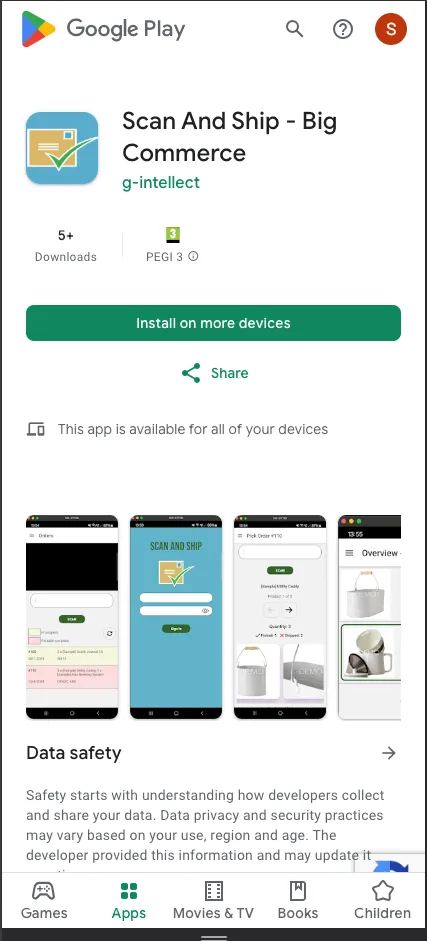
Section titled “Install the app”- Download the Scan And Ship app from the Android Play Store.
Choose a scanning method
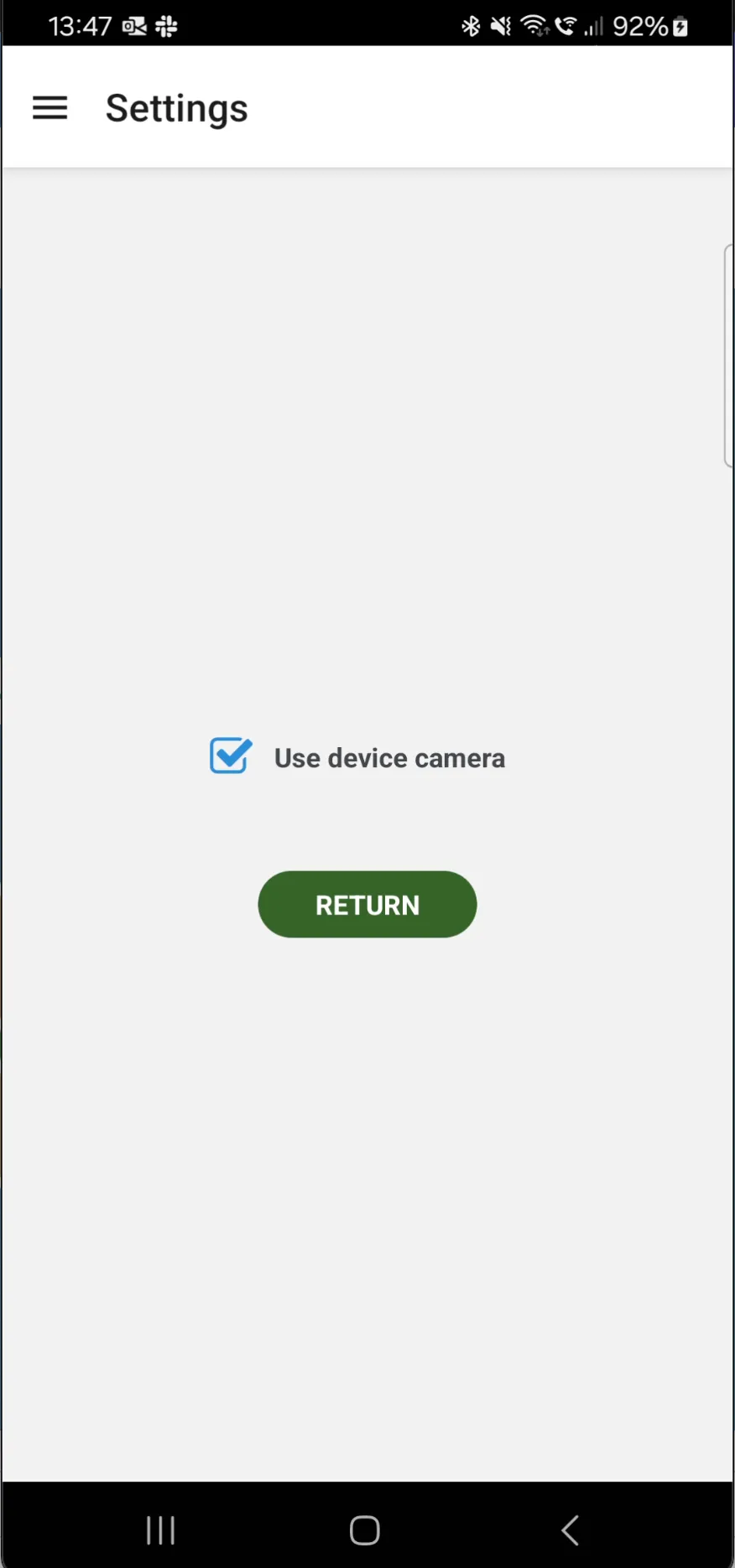
Section titled “Choose a scanning method”- Once installed, you can use the app the same way as the BigCommerce web version. Choose either the device camera or a connected bluetooth scanner to scan items, from the settings menu.
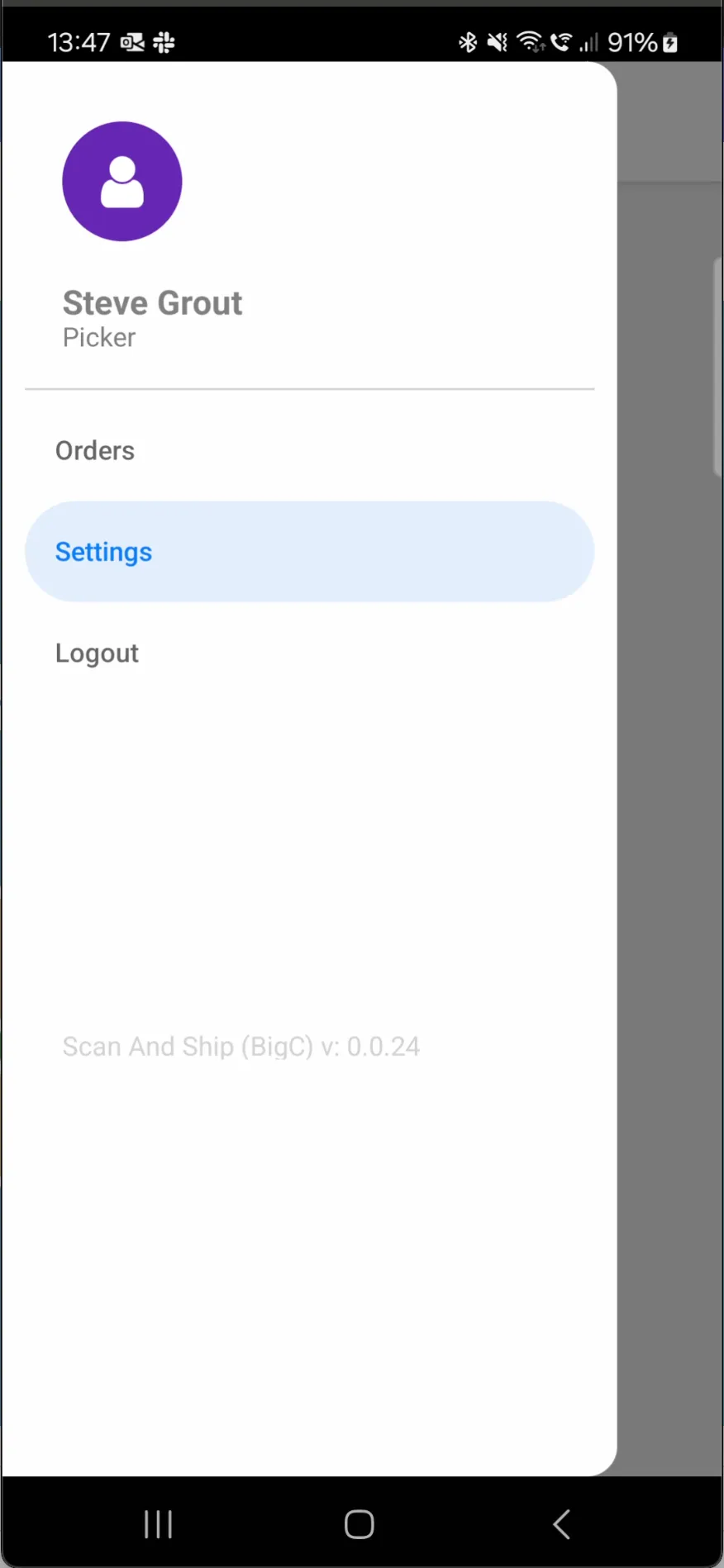
- This takes you to the settings screen, where you can make your choice.
Pick an order
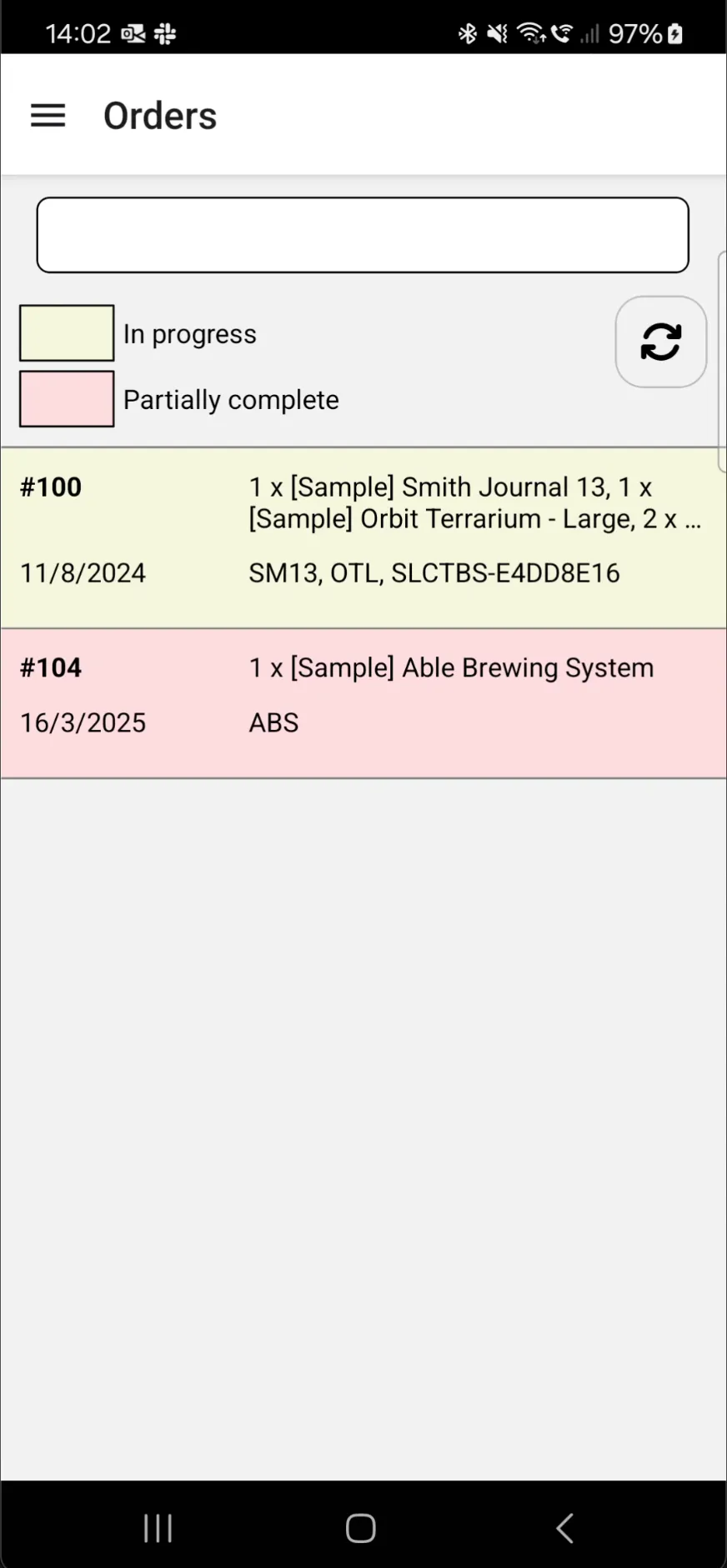
Section titled “Pick an order”- Once your scanning method is selected, use the app to select an order to pick.
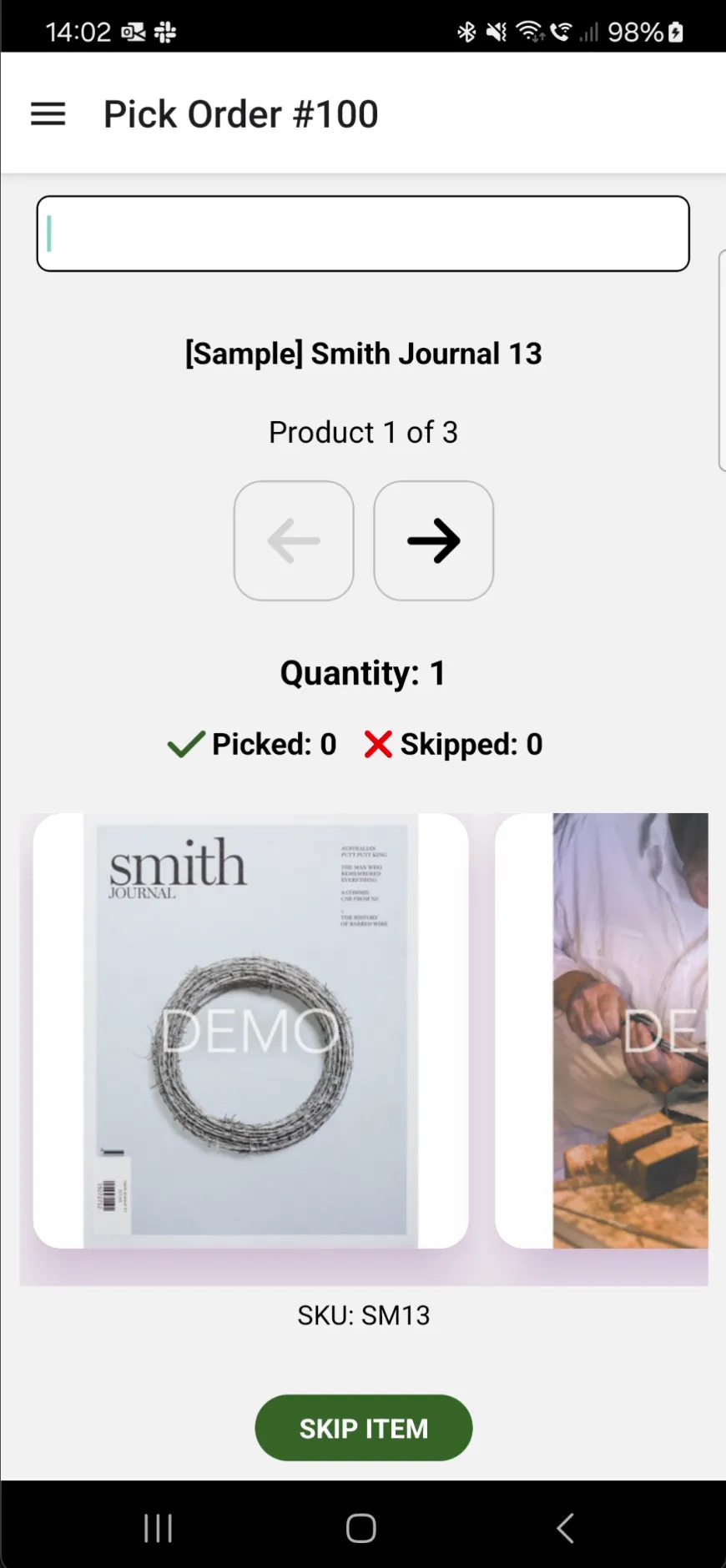
- Pick the items within the order.
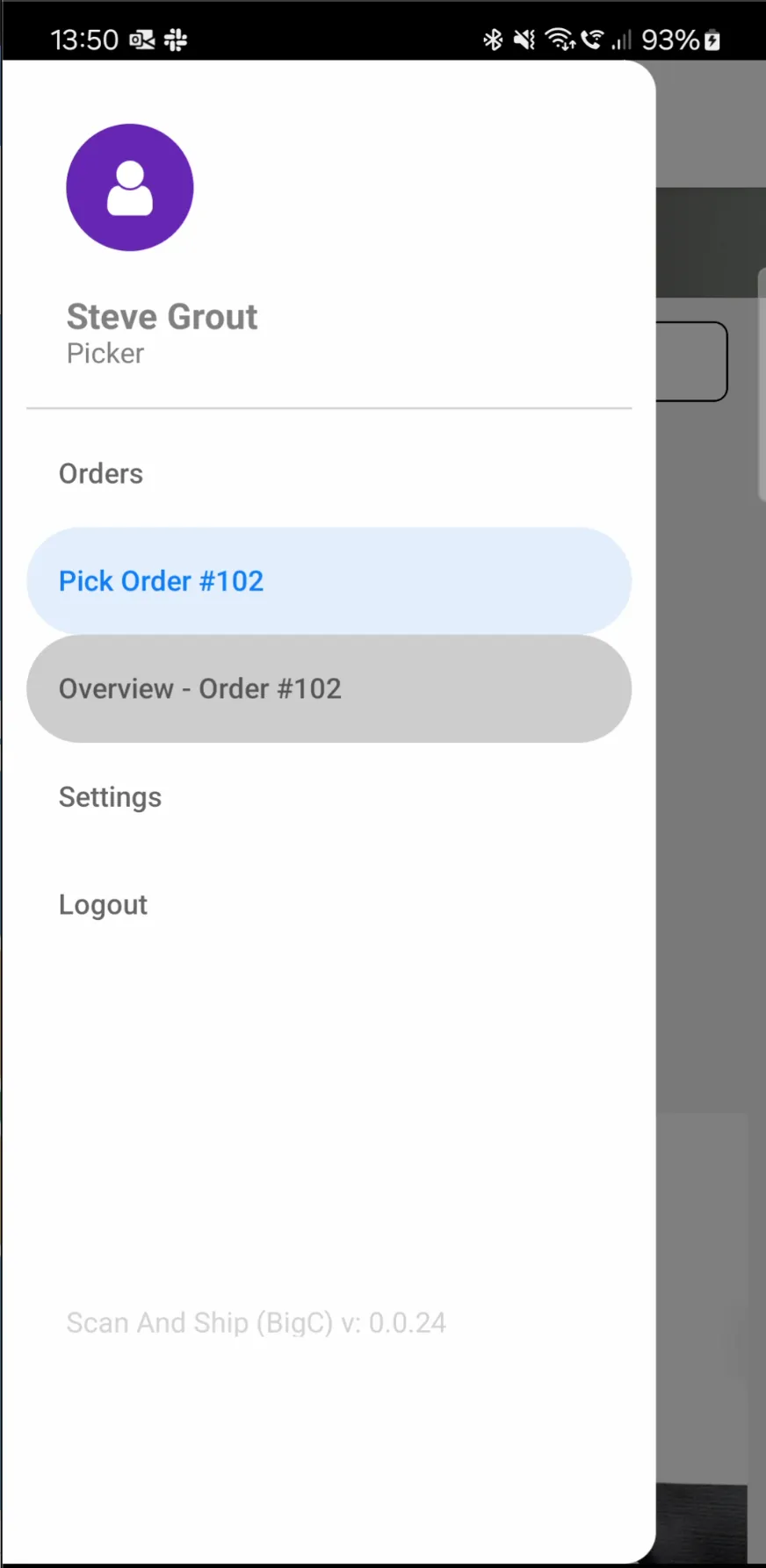
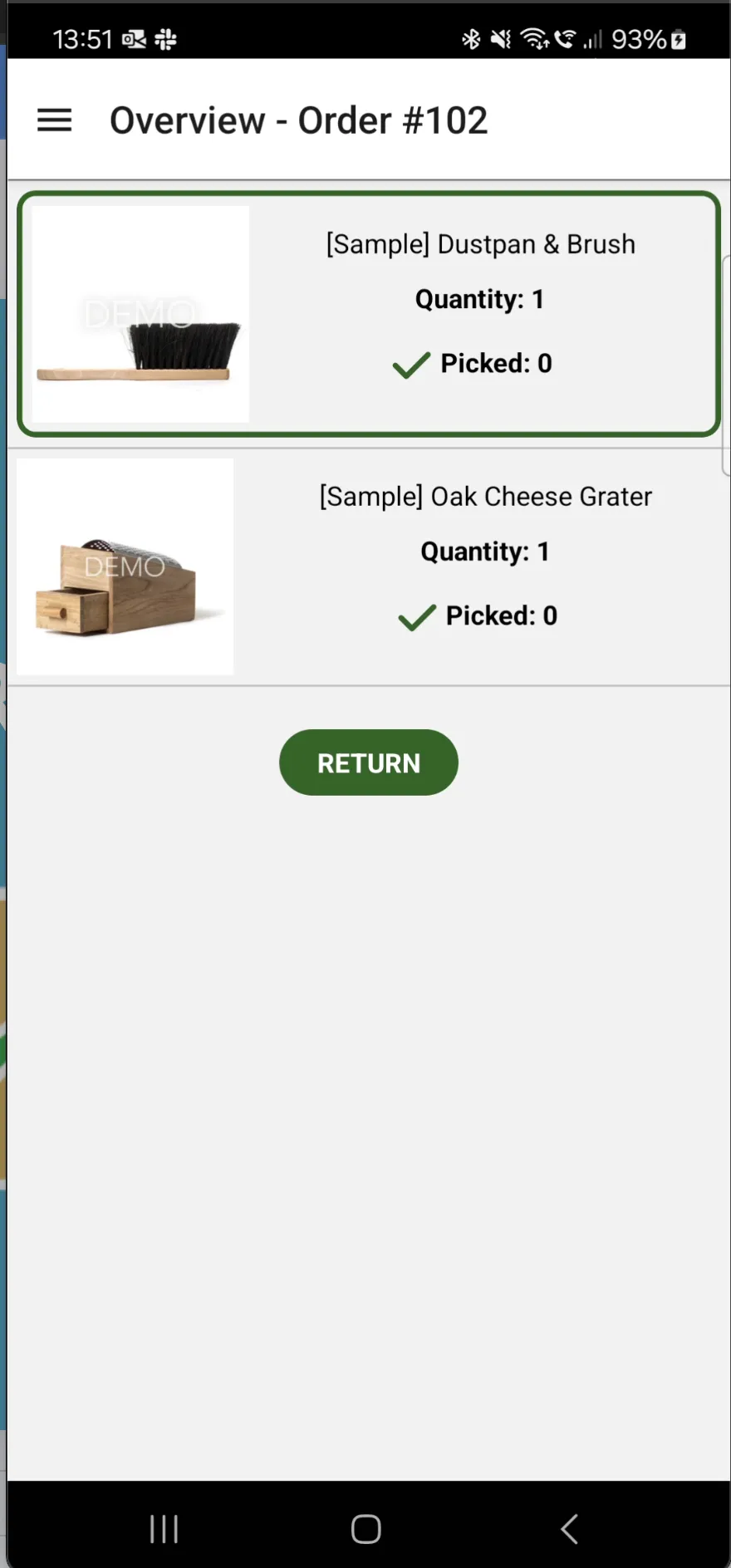
- View the overview of the order by selecting Overview from the nav menu.